
Effort Level Selection
Some agents let you tune how much reasoning effort they spend on a turn, per session.
What are Effort Levels?
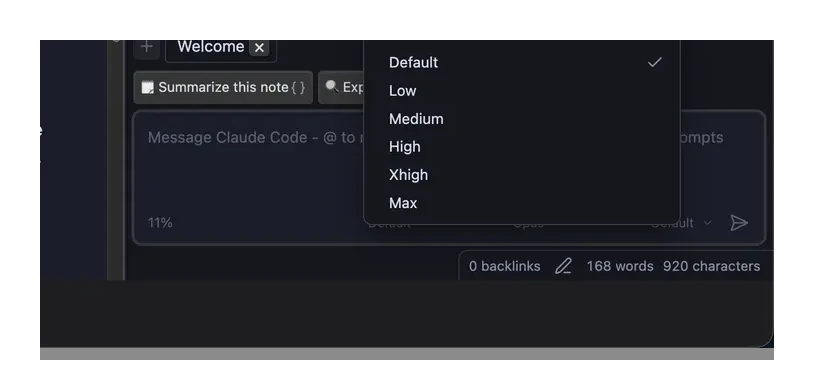
Effort levels control how much the agent "thinks" before responding. Higher levels trade speed for deeper reasoning:
- Default: The agent's standard effort
- Low / Medium / High / Max: Progressively more reasoning effort
Changing the Effort Level
- Open the chat panel
- Look for the effort-level dropdown in the toolbar below the input field
- Select the desired level from the available options
TIP
Available effort levels depend on the active agent and model. Not all agents expose this control.
Persistence
The selected effort level persists for the current session.