
Model Selection
Switch between different AI models to optimize for speed, capability, or cost.
What are Models?
Models are different versions of the AI with varying capabilities:
- Larger models: More capable, better reasoning, slower, higher cost
- Smaller models: Faster responses, lower cost, good for simpler tasks
Changing Models
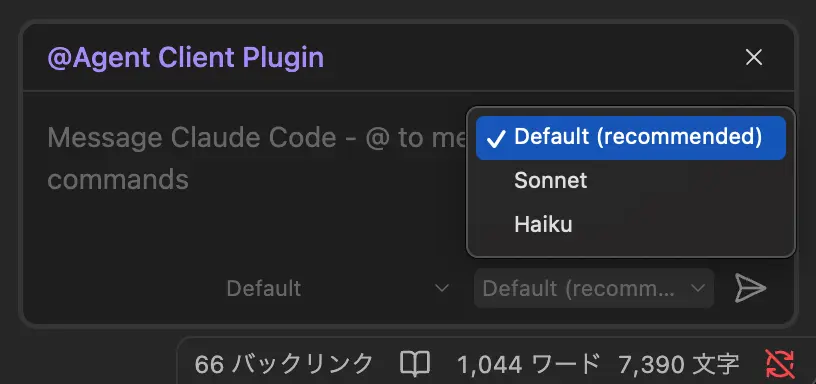
- Open the chat panel
- Look for the model dropdown below the input field
- Select the desired model from the available options
TIP
Available models depend on the active agent and your subscription/API plan.
Keep typing after you pick
After you change the model — with the mouse or the keyboard — focus returns to the message box at the end of your draft, so you can keep typing without clicking back. The same applies to mode and thought-level selection, pinning or removing context notes, and reloading the session.
Model Persistence
The selected model persists for the current session. Your preference is remembered across sessions.
Cost Considerations
When using API keys, different models have different pricing. Check your provider's pricing page for current rates.